One plan, on everyone’s phone, at the same time.
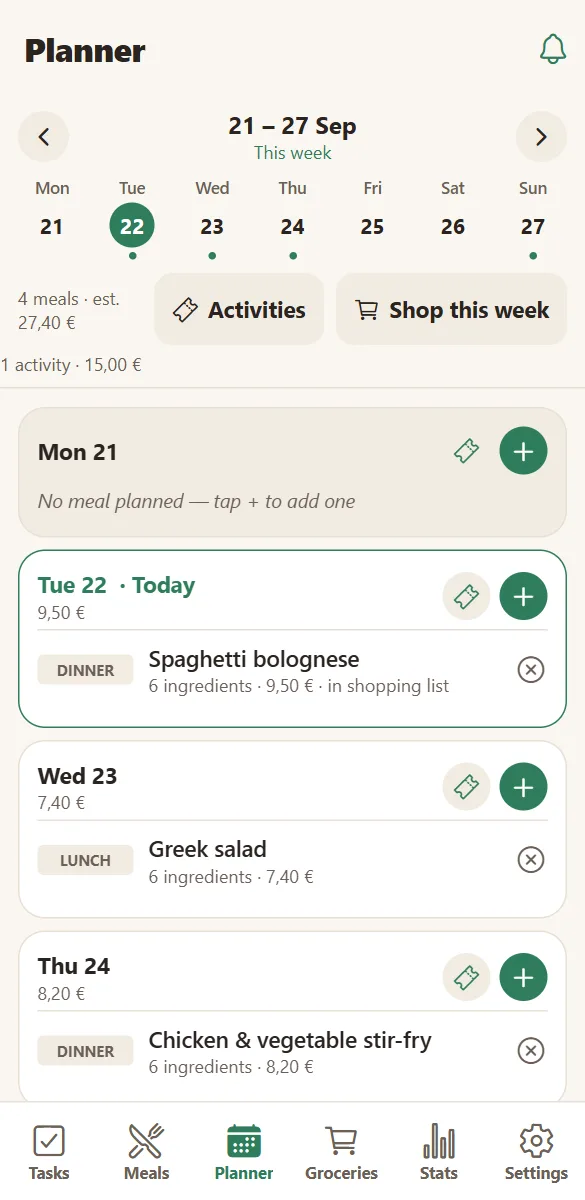
Add a meal on your phone and it is on everyone else’s before you put it down. No exporting, no forwarding, no “did you see my message?”.
Joining takes one code, not an invitation email
One person creates the household and shares a link or a six-letter code. Everyone else opens it, picks their name and colour, and they are in. No email address, no password to reset, no seat management.
Up to twelve devices can share one household, so phones, tablets and the family computer all show the same plan.
- Invite by link, by code, or by showing the screen.
- Each person picks a name and a colour used across the app.
- A new code can be generated at any time — the old one stops working.
- Devices can be disconnected from Settings when a phone is replaced.
Live, and quiet when it should be
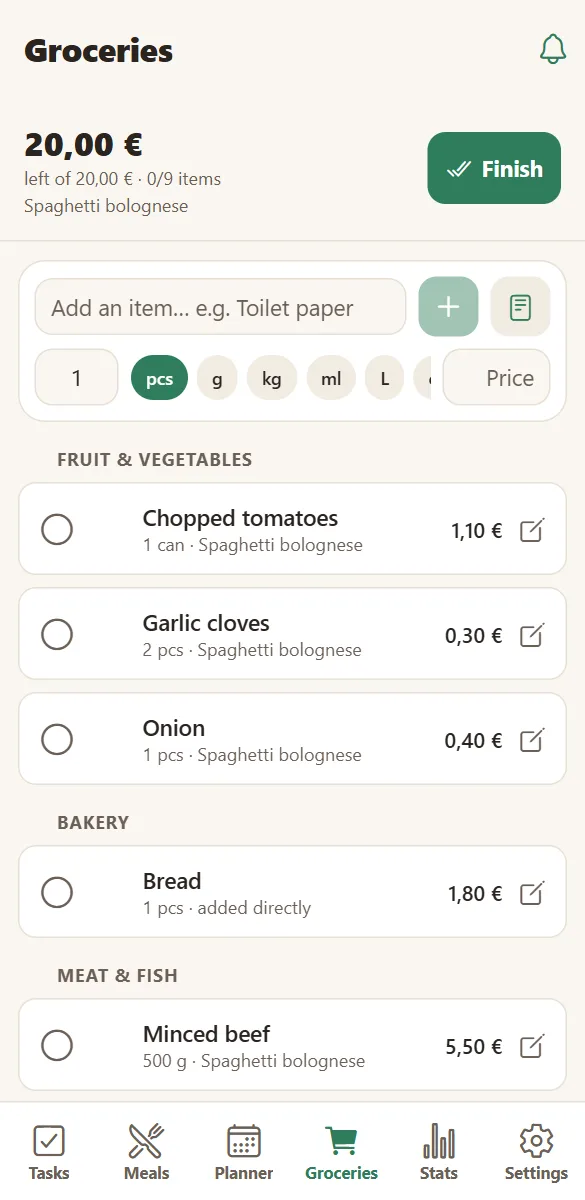
Changes arrive in about a second on every device — a ticked grocery item, a moved task, a new meal on Thursday.
Notifications are per device and in each person’s language: a task assigned to you, an activity added to the week, a shopping trip finished. Nobody is forced into someone else’s alert settings.
- Live updates without refreshing.
- Push notifications on Android and installed iPhones.
- A household activity feed with a badge for what you missed.
- Per-task and per-event visibility when something should stay between a few people.
Share a recipe with another household
Sharing does not stop at your front door. Any meal can be shared as a link: the person opening it reads the full recipe — ingredients, steps, photo — without an account.
If they use HomeLifePlanner, one tap copies it into their own meals as an independent recipe they can edit. Stop sharing whenever you like; copies already made stay with their owners.
- A public recipe page per shared meal, with no prices attached.
- “Add to my meals” makes an independent copy.
- Households you have exchanged with appear under “From friends”.
Up and running in three minutes
No email, no password, no credit card. A household is created in one tap.
Create your household
Give it a name — “The Smiths”, “Rue Lepic 12”. HOME sets up your shared space instantly.
Invite the family
Share the invite link or the six-letter code. Everyone picks their name and colour on their own phone.
Plan life together
Add tasks, meals, the week and what you want to do. Everything appears on every phone as you type.
Questions families ask
Can several people use the same household?
Yes — that is the point. One person creates the household, everyone else joins with the invite link or the six-letter code and picks their name. Changes appear on every phone in about a second. A household holds up to 12 devices.
Do we each need our own account?
No. Each phone signs in anonymously and joins the household with the code. Everyone then picks which family member they are, so tasks and statistics are attributed correctly.
How fast do changes appear on the other phones?
Typically within a second, as long as the phone has a connection. The app also refreshes whenever it comes back to the foreground.
Can someone leave the household?
Yes, from Settings → Household & members. Their device loses access; the family member name and its history stay unless you remove them too.
Can I stop a shared recipe link?
Yes. Stopping the share disables the link immediately. Households that already copied the recipe keep their copy, because it is an independent copy, not a live mirror.
Is HomeLifePlanner free?
Yes. Tasks, planner, meals, groceries, activities, statistics and sharing are free, with 200 MB of photo storage per household. Premium (4,99 € per month for the whole household) removes the ads, lifts the storage limit and includes the AI assistant.
Keep exploring
Get everyone on the same plan.
Create the household, send one code, and stop relaying information between phones.
Free to start. No credit card. Works on any phone, tablet or computer.